

Work
Services
Featured Work
CTS Lawyers website by FlowCreates
CTS Lawyers
Edgenta NXT website
Edgenta NXT
View All Services
Build
Build from scratch
A new site built around how people choose you.
Revamp
Redesign an underperforming site so it matches your reputation.
Webflow migration
Move from WordPress or Wix to Webflow without losing what works.
Grow
Landing pages
Campaign pages designed to turn visits into enquiries.
SEO
Get found when people search for what you offer.
Pages Package
Keep adding pages that bring in enquiries after launch.
Industries
Law firms
Practice areas and partners that earn trust before the consultation.
Accounting and advisory
Credentials and specialisms shown in the order clients check them.
Investment firms
One site that speaks to founders and to investors.
B2B companies
Answers for buyers before the sales call.
Universities and colleges
Programme pages that answer students before they call admissions.
AboutInsights
Join the waiting list
Blog
Webflow
Webflow
Updated on 
March 10, 2025

Building Custom Interactions & Animations in Webflow

Contributors
FlowCreates logo
FlowCreates Team
Webflow studio, Petaling Jaya
Case study
Kardinal
Kardinal

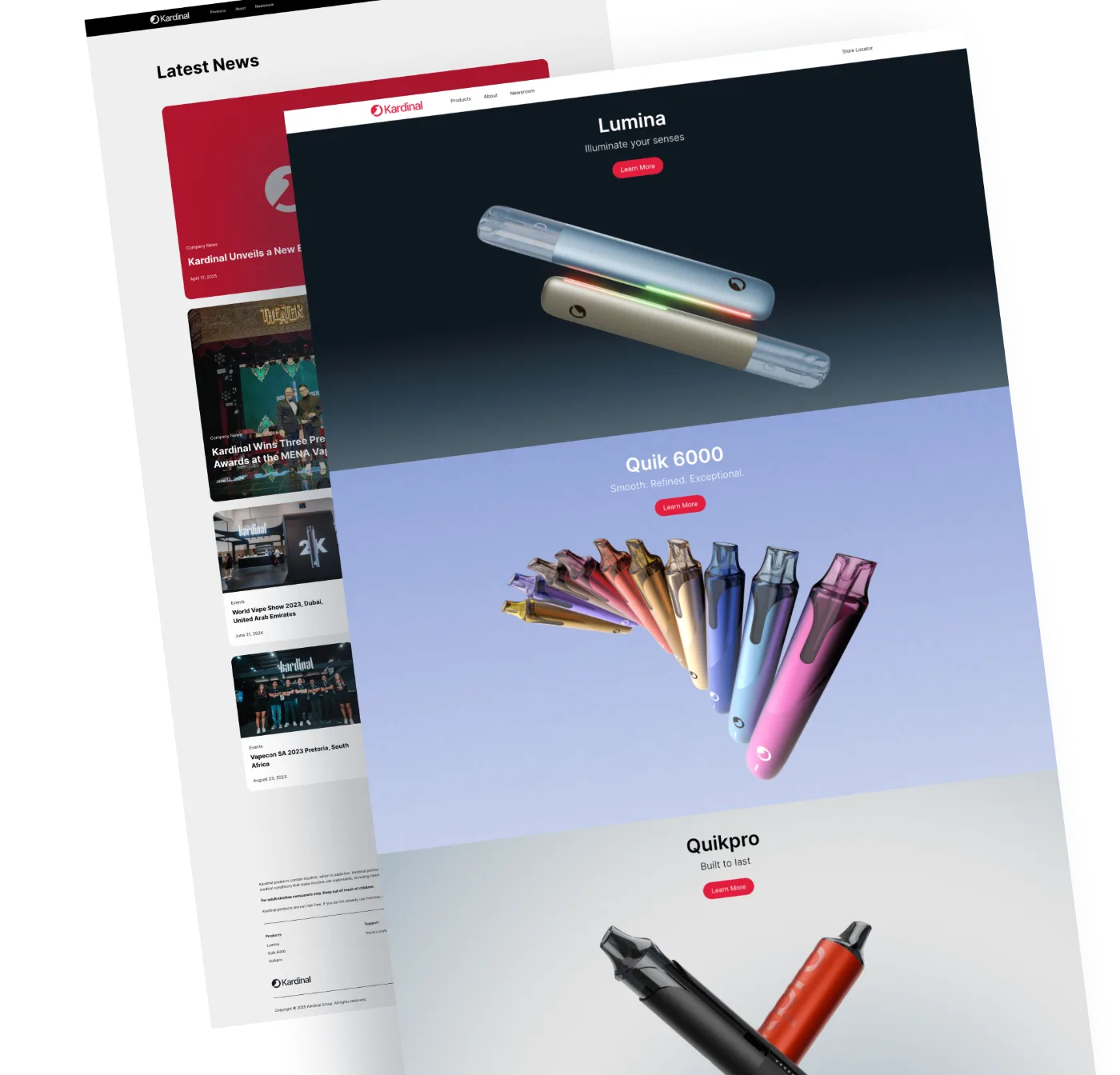
Kardinal is an award-winning Southeast Asian leader in alternative nicotine products. We rebuilt its site from scratch on Webflow, and monthly visitors grew from 100+ to 2,000+.

See the case study
Share
On this page

    Websites today are more than just static pages. They need to be engaging, interactive, and visually appealing to keep users interested. This is where Webflow’s custom interactions and animations come into play. With Webflow, businesses in Malaysia can create dynamic, eye-catching experiences without needing to write a single line of code.

    If you want a website that stands out, using Webflow’s animation tools can make all the difference. In this blog post, we’ll explore how custom interactions and animations work in Webflow, why they’re essential, and how Malaysian businesses can leverage them for a more interactive web experience.

    What Are Webflow Interactions & Animations?

    Before we dive in, let’s break down the basics:

    • Interactions: These are triggered responses to user actions, such as clicking, hovering, or scrolling.
    • Animations: These are movements or effects that add motion to your website elements, making it more visually appealing.

    Webflow allows you to create both using a simple, no-code interface, making it easy for anyone to design stunning, interactive websites.

    Why Are Interactions & Animations Important?

    Here’s why businesses in Malaysia should pay attention to Webflow’s interaction and animation tools:

    1. Better User Experience – Engaging animations guide users through your website smoothly, making navigation enjoyable.
    2. Higher Engagement – A well-placed animation can make a site more fun and interactive, encouraging users to stay longer.
    3. Increased Conversions – Animations can direct attention to key areas, like sign-up buttons or product highlights, leading to higher sales or sign-ups.
    4. Stronger Brand Identity – Custom animations give your website a unique personality, setting it apart from competitors.
    5. Professional Look – Smooth interactions make your website feel high-quality and well-designed, giving your brand a more polished image.

    Types of Interactions & Animations in Webflow

    Webflow provides multiple ways to bring your website to life. Here are some of the most popular types of interactions you can build:

    1. Page Load Animations

    Make a strong first impression by animating elements as soon as the page loads. This could be a fade-in effect, a sliding text animation, or a zoom effect for images.

    2. Scroll-Based Animations

    Trigger animations based on how far a user has scrolled down the page. These effects are commonly used for:

    • Parallax scrolling (where background images move at a different speed than foreground elements).
    • Progress indicators that visually show how much of the page has been read.
    • Elements that fade in or move into view as users scroll.
    3. Hover Effects

    Make elements react when users hover over them. Examples include:

    • Buttons changing colour or growing in size.
    • Images revealing extra information when hovered over.
    • Subtle text animations that enhance readability.
    4. Click Interactions

    Trigger animations when users click on an element. Some examples include:

    • Expanding sections (like FAQs that reveal answers when clicked).
    • Smoothly opening and closing menus.
    • Triggering pop-ups or lightboxes.
    5. Lottie Animations

    Webflow supports Lottie animations, which are lightweight, high-quality animations that can add more personality to a website. These animations work well for loading screens, icons, and interactive illustrations.

    Step-by-Step: How to Create an Interaction in Webflow

    Here’s a simple guide to creating an animation in Webflow:

    Step 1: Open the Webflow Designer

    Log into your Webflow account and open the project you want to work on.

    Step 2: Select the Element to Animate

    Click on the element (text, image, button) you want to add an interaction to.

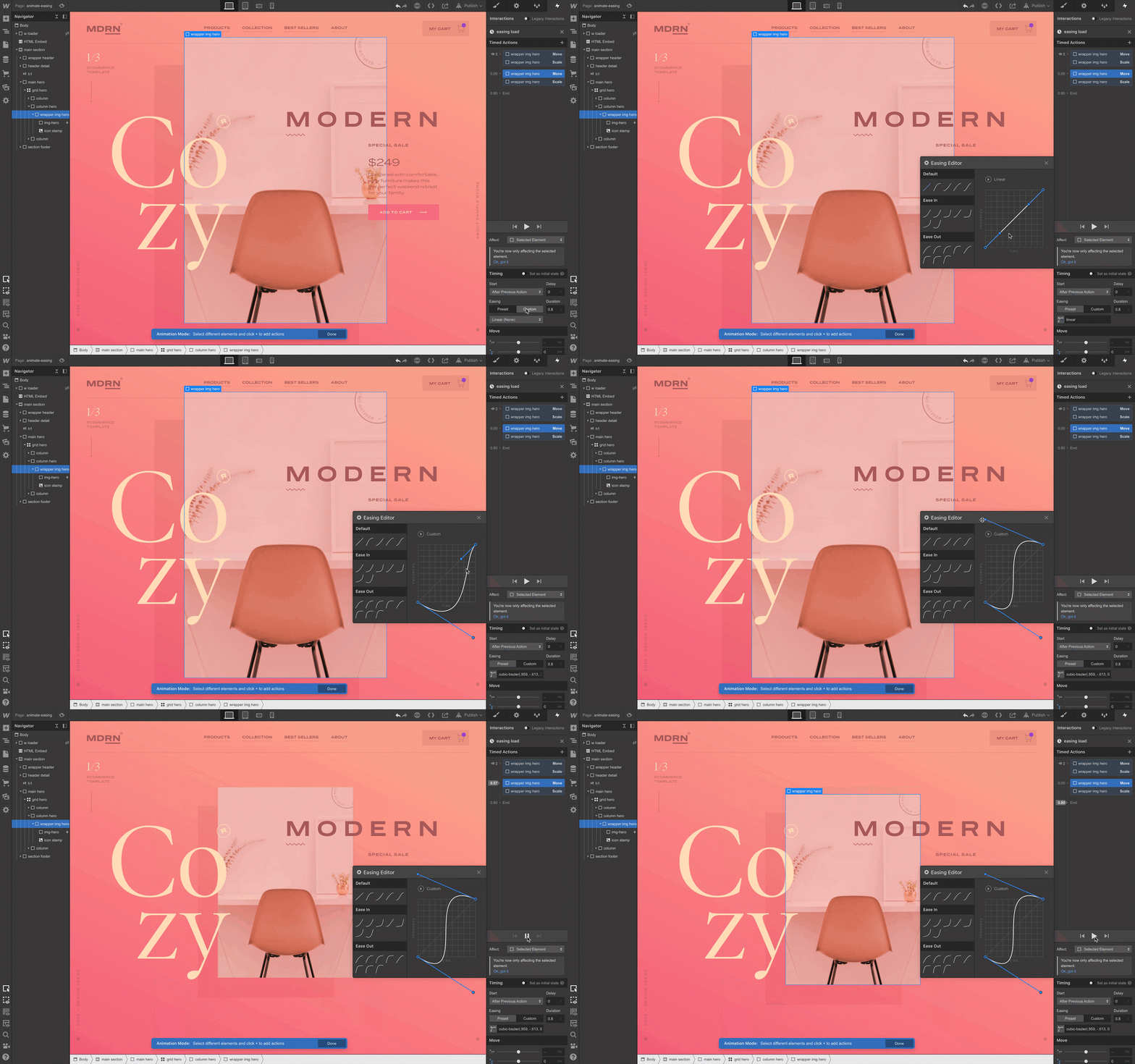
    Step 3: Open the Interactions Panel

    On the right-hand side, go to the Interactions & Animations tab.

    Step 4: Choose a Trigger

    Webflow offers multiple triggers like:

    • Page Load – Starts the animation when the page loads.
    • Scroll – Triggers the effect when the user scrolls.
    • Hover – Activates when the user hovers over an element.
    • Click/Tap – Animates when clicked.
    Step 5: Add an Animation

    Once you’ve chosen a trigger, apply an animation effect, such as:

    • Fade In/Fade Out
    • Move Up/Down
    • Scale (Grow/Shrink)
    • Rotate
    Step 6: Adjust Timing & Speed

    Fine-tune the animation duration to make it smooth and natural. Webflow allows precise control over speed, delay, and easing effects.

    Step 7: Preview & Publish

    Test your animation in the Webflow preview mode to ensure it looks great. Once happy, hit Publish and enjoy your interactive website!

    Best Practices for Using Webflow Animations

    To ensure your animations enhance the user experience rather than overwhelm visitors, follow these best practices:

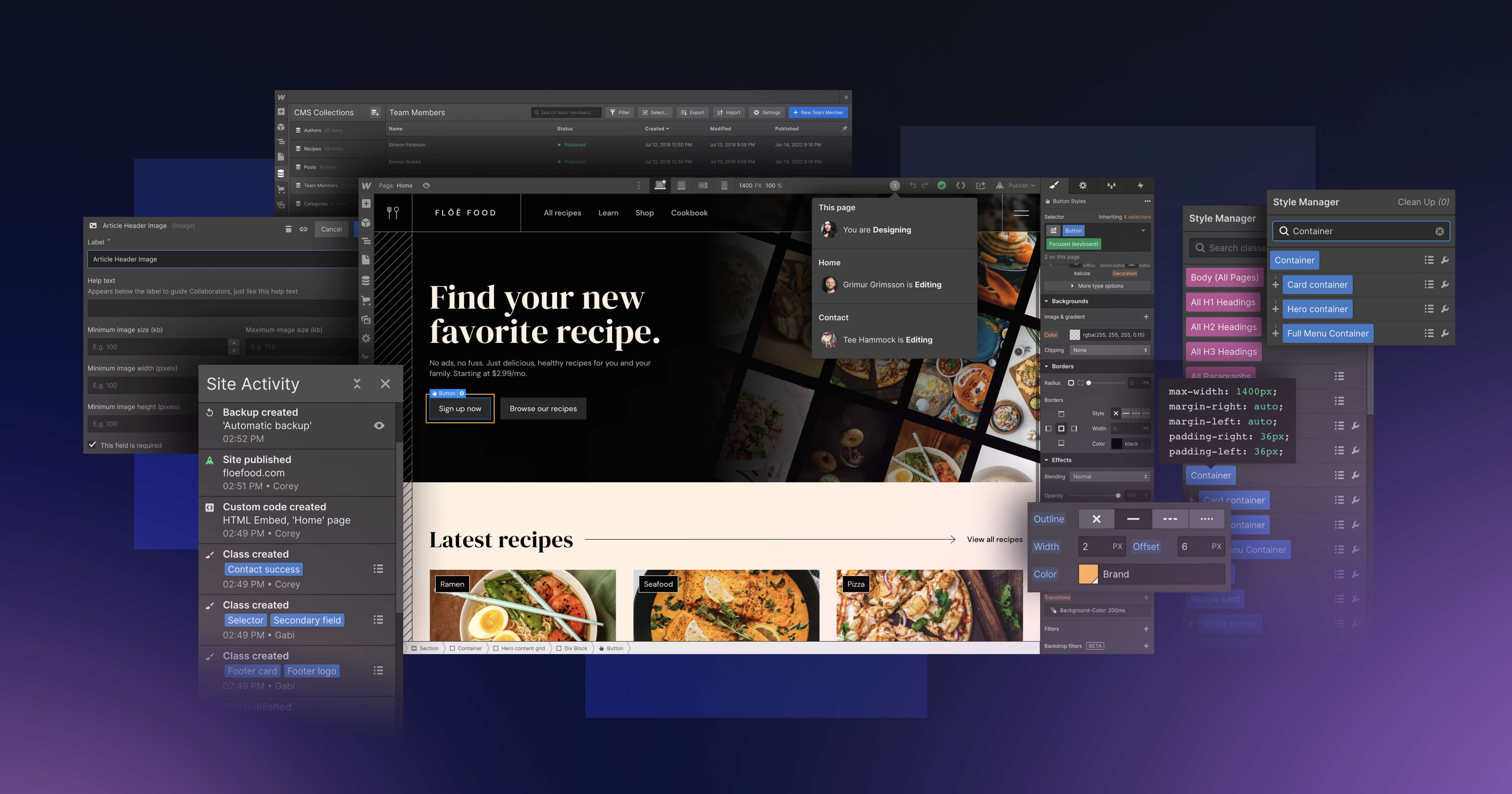
    • Keep It Subtle – Avoid excessive motion that might distract users.
    • Focus on Functionality – Use animations to improve navigation and guide users.
    • Optimise for Performance – Too many animations can slow down a site. Keep it lightweight.
    • Test on Different Devices – Ensure animations work smoothly on both mobile and desktop.

    Key Takeaways

    • Webflow interactions & animations allow businesses to create engaging, dynamic websites without coding.
    • Different types of interactions include scroll effects, hover animations, and click-based triggers.
    • Webflow’s no-code approach makes it easy for Malaysian businesses to implement professional animations effortlessly.
    • Properly designed animations improve user experience, increase engagement, and drive conversions.

    Keep reading

    View all
    The Cost of Webflow Website Design in Malaysia: What to Expect
    Webflow
    December 2, 2024

    The Cost of Webflow Website Design in Malaysia: What to Expect

    Expect to invest RM 15,000–RM 100,000+ for a Webflow website in Malaysia. These premium websites deliver custom designs, top performance, and future-ready features for businesses serious about success.
    Why Choose a Webflow Agency in Malaysia for Your Website?
    Webflow
    November 20, 2024

    Why Choose a Webflow Agency in Malaysia for Your Website?

    Discover why a Webflow agency in Malaysia is the perfect partner for creating a professional, tailored website that grows with your business.
    View all

    Want a website that wins clients before the first meeting?

    We build Webflow websites for professional services firms and take on a small number of projects at a time. Join the waiting list and we will be in touch to scope yours.

    Join the waiting list
    FlowCreates designs and builds Webflow websites for professional firms, B2B companies and private universities in Malaysia.
    Webflow exclusive
    Shopify for e-commerce
    Explore
    WorkAboutInsightsCareersContactOmakaseSource of Flow
    Services
    Build from scratchRevampWebflow migrationLanding pagesSEOPages PackageAll services
    Contact
    general@flowcreates.com+6017-674 1737Oasis Square, Block A-7-09, Level 7, Jalan PJU1A/7, Ara Damansara, 47301 Petaling Jaya, Selangor, Malaysia.
    Mon to Fri, 8am to 6pm
    Closed on weekends and public holidays
    Source of Flow
    Our archive of the objects and ideas behind how we design.
    Open the archive
    Industries
    Law firmsAccounting and advisoryInvestment firmsB2B companiesUniversities and colleges
    Payment options
    © 2026 Flow Resources (IP0591361-P). All rights reserved.
    Privacy PolicyTerms of ServiceTerms of UseCookie Policy