Webflow migration
Your brand and content work. The platform doesn’t. We move your site from WordPress, Wix or Squarespace to Webflow with the structure, URLs and SEO intact, and a CMS your team can actually use.
Results
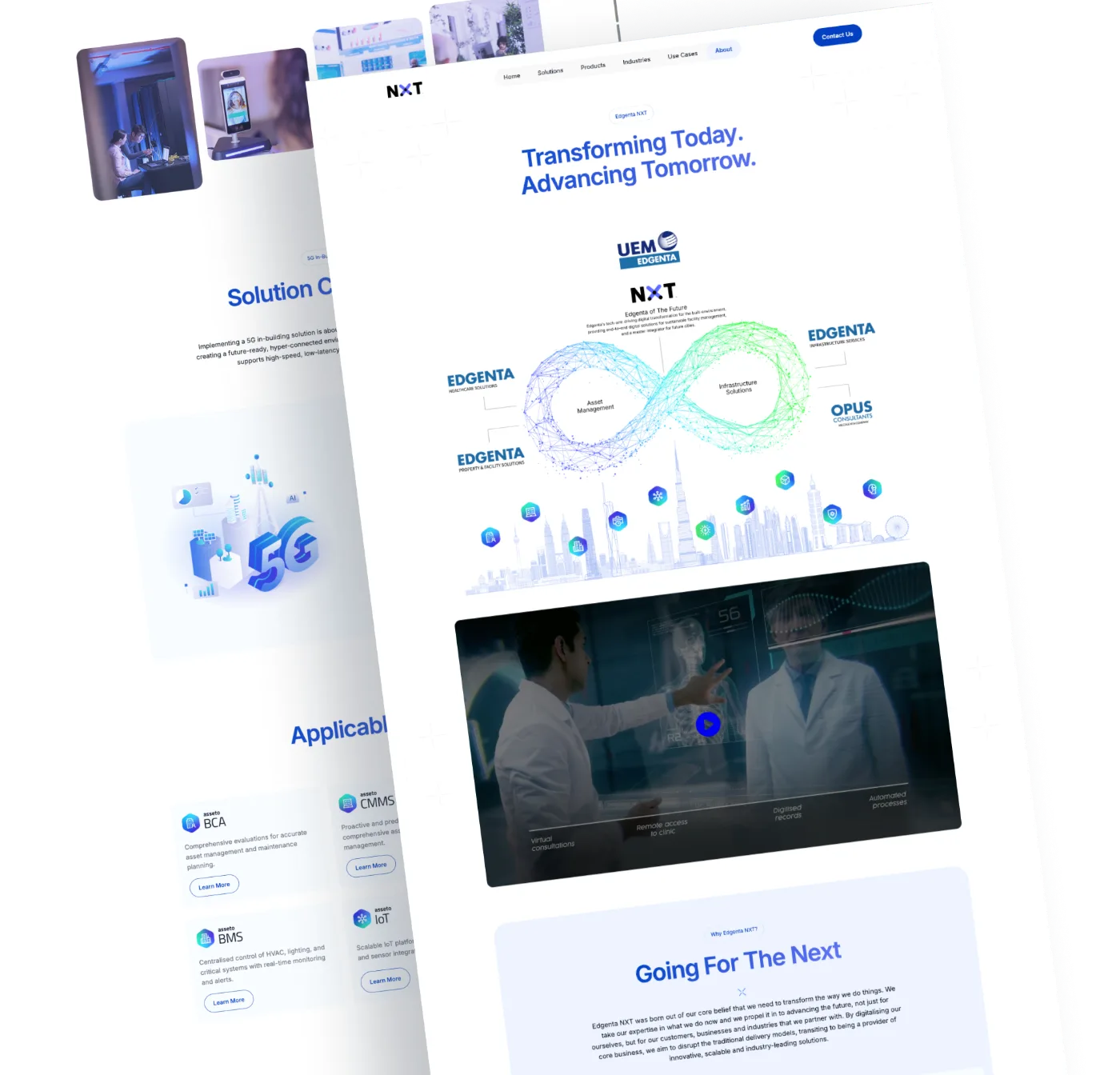
Firms that moved to Webflow and now run their own sites.
The method
A migration is not a redesign. We carry over the structure and content that already work, fix what the old platform broke, and hand your team a site they can run.
5 markets
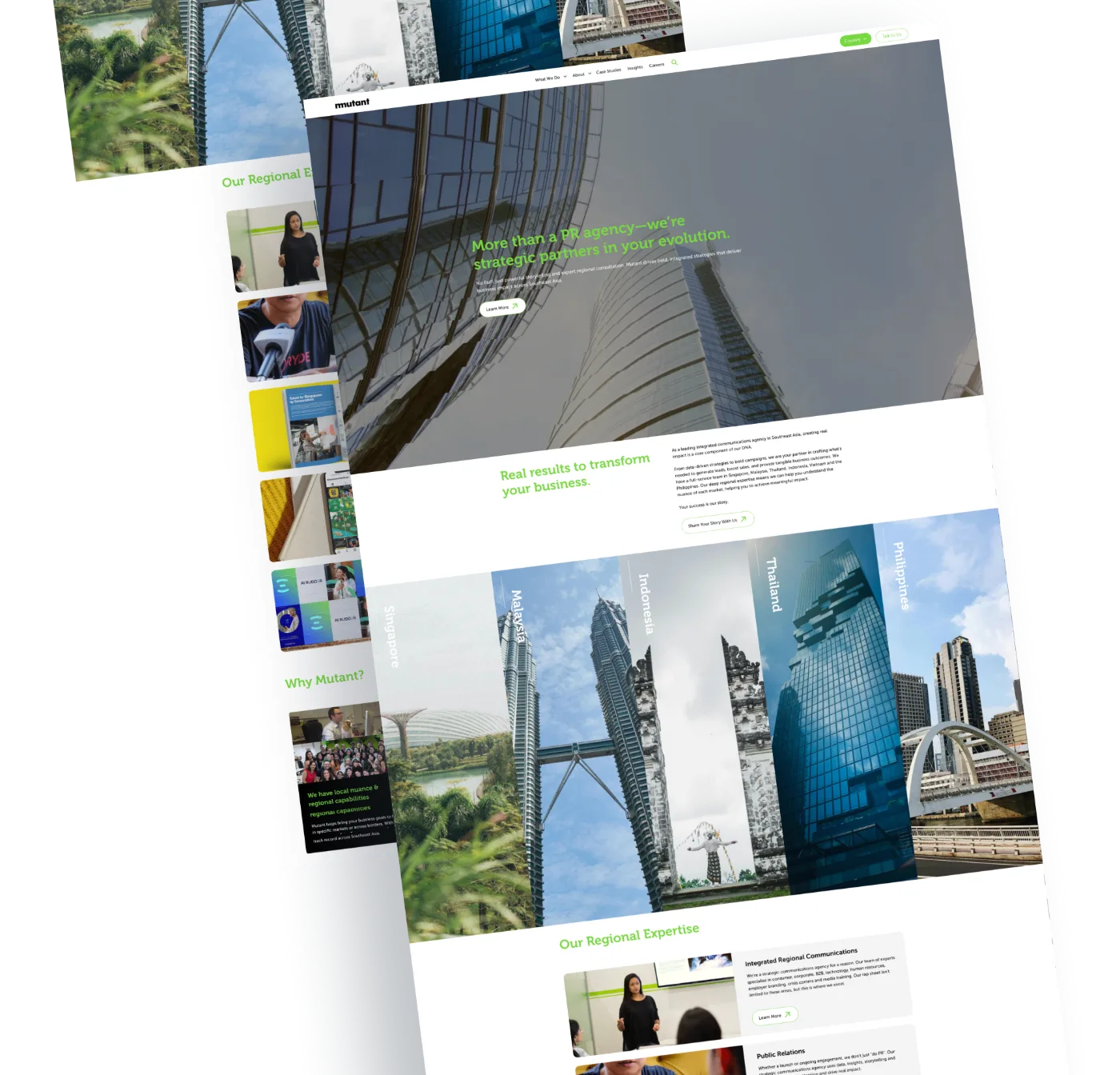
Singapore, Malaysia, Thailand, Indonesia and the Philippines, run by Mutant’s team from one Webflow CMS
Mutant case study
Under 2 min
To update Mutant's content, down from 15 minutes just to open WordPress
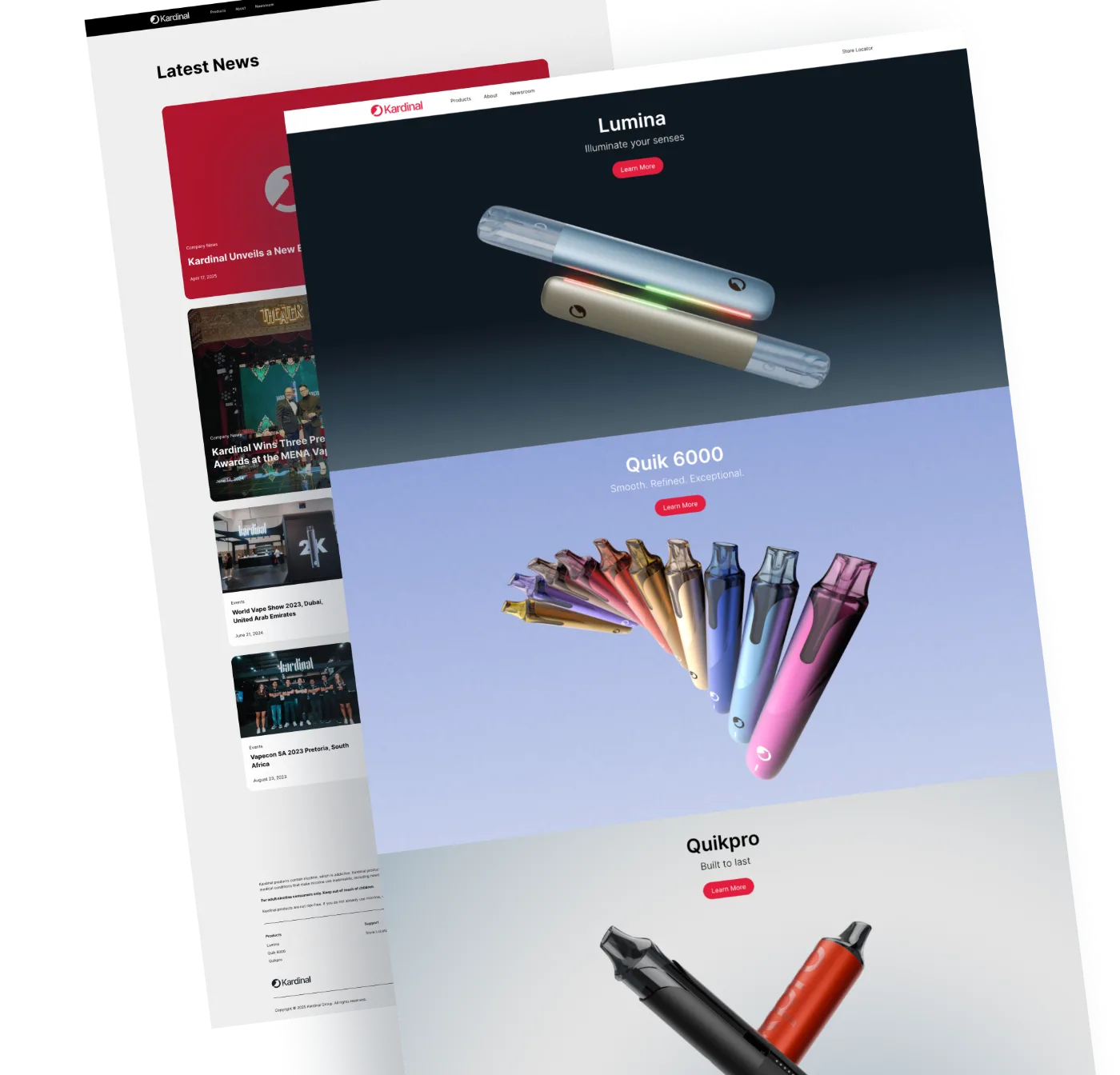
Kardinal case study
Our new website has become a powerful business asset. FlowCreates didn't just give us a facelift; they delivered a strategic tool that is already converting visitors and strengthening our brand identity.
3 to 5
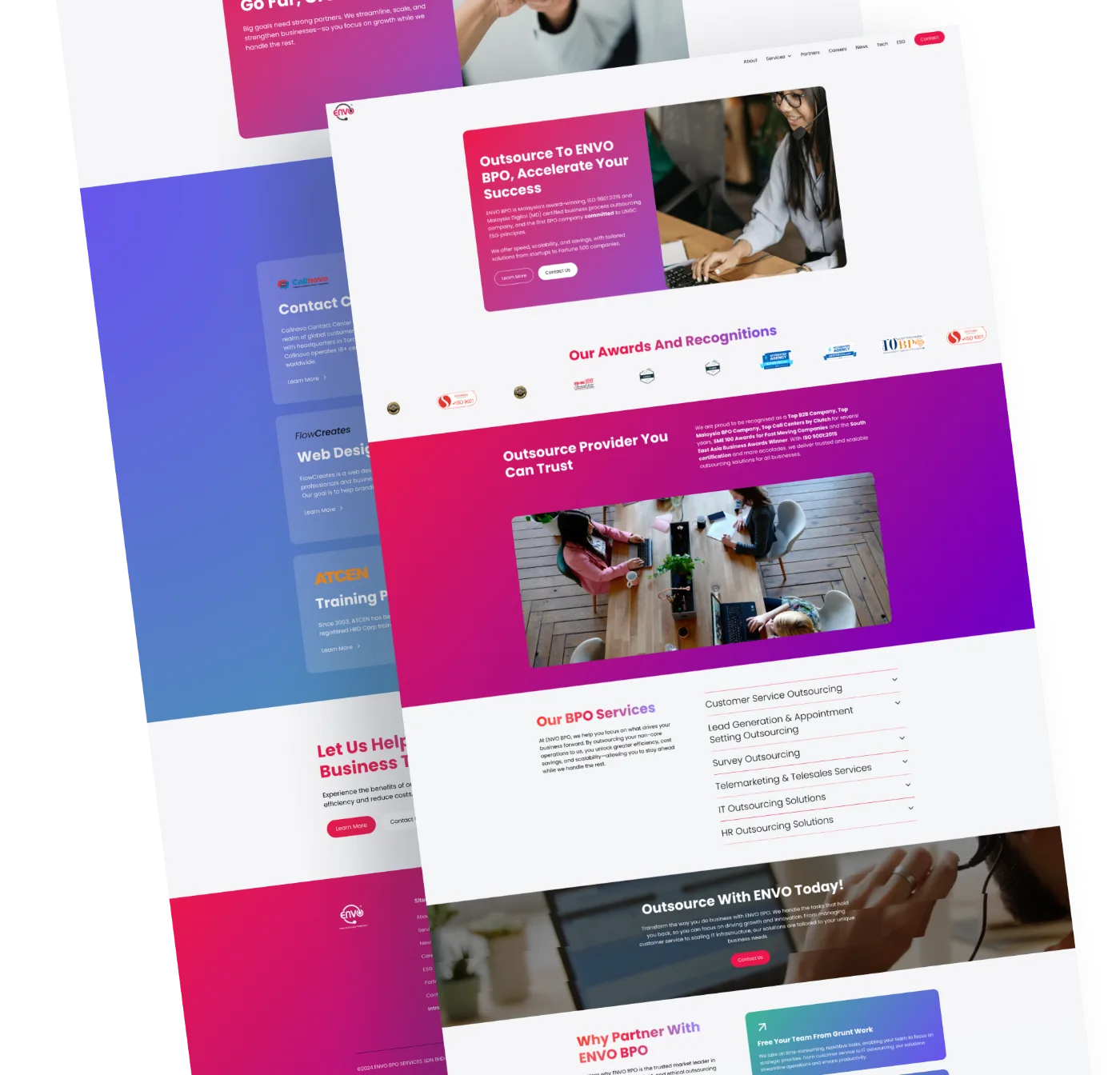
Leads a day for ENVO BPO since it moved off WordPress
ENVO BPO case study
Case studies
Each one left a platform that was slowing the team down.
How it works
A fixed sequence, so nothing is lost between the old site and the new one.
01
We review your current site, content, integrations and traffic to scope exactly what moves across.
02
Every page, post and URL mapped to its place in Webflow, with redirects planned before the build.
03
Your existing structure rebuilt on Webflow with clean code, a proper CMS and faster pages.
04
Every page checked on desktop, tablet and mobile, with links, forms, redirects and speed tested.
05
Launch, CMS training for your team, and a check-in once the site has been live for a while.
What’s included
Content, structure, SEO and integrations handled by one team.
Audit
A clear list of pages, content, plugins and integrations before any work starts.
CMS
Blog posts, services, team and case studies structured as Webflow collections.
SEO
URL mapping, 301 redirects, titles and meta descriptions kept or improved.
Performance
No plugin stack. Optimised images and clean Webflow code that load quickly.
Responsive
Layouts tested and fixed across desktop, tablet and mobile.
Training
A walkthrough and written notes, so updates don’t need a developer.
FAQ
Will the design change?
A migration keeps your current structure and look. If you want a new strategy or visual direction, that is a revamp, and we will tell you which one you need on the discovery call.
Will we lose our Google rankings?
Not if the move is planned. We map every existing URL, set up 301 redirects and carry over titles and meta descriptions before launch.
What happens to our WordPress plugins?
Most plugin features are built into Webflow: forms, CMS, SEO settings, hosting and security. For the rest we use a lightweight integration or custom code, agreed during the audit.
Can you move our blog?
Yes. Posts, categories, authors and images move into Webflow CMS collections, and each old URL redirects to its new one.
Will the site go down during the move?
No. We build on a Webflow staging domain while your current site stays live, then switch the domain over at launch.
How is a migration priced?
Every migration is scoped after a discovery call, based on the pages, content and integrations involved. Join the waiting list and we will be in touch to scope yours.
We take on a small number of projects at a time so every client gets senior attention. Join the waiting list and we will be in touch to scope yours.
Join the waiting list